
Introduction
Accounting is the department where AI assistance gets evaluated most skeptically, for good reason — the cost of a wrong automated decision is a misstated number, not just a wasted hour. That skepticism is healthy. It's also why it's worth being precise about what AI in Odoo's Accounting app actually does, rather than describing it in the vague, overconfident terms most AI-in-finance marketing uses.
What the Feature Actually Does
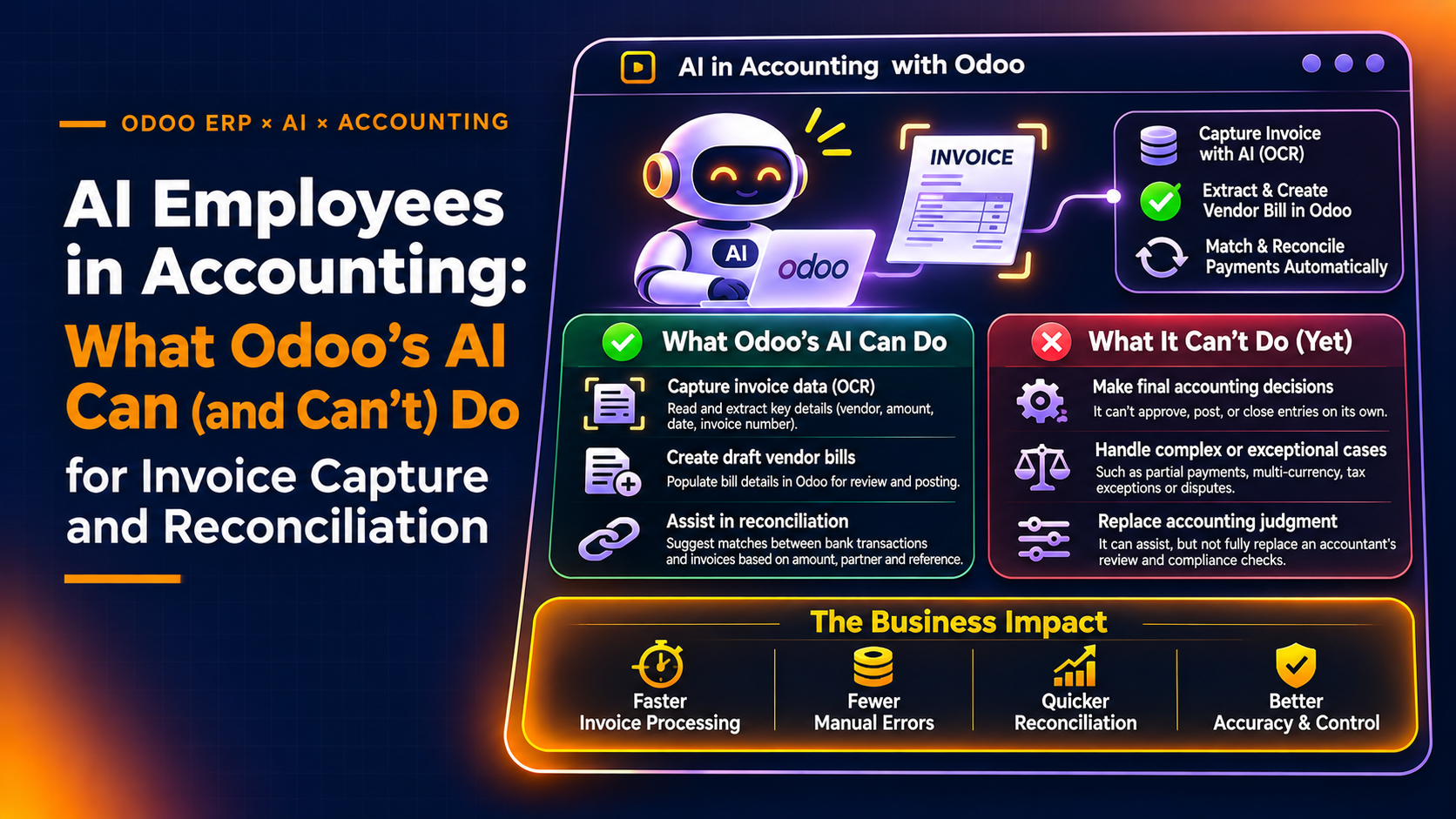
Odoo's AI-powered bank reconciliation is trained on your own past matching patterns — how your team has historically matched bank transactions to invoices and bills — and applies those learned patterns to new transactions automatically, flagging anything it can't confidently match with a suggested action for a human to confirm. It also learns from corrections: when a person overrides a suggested match, that correction feeds back into future matching.
Separately, invoice capture uses optical recognition to extract line items, amounts, and vendor details from scanned or emailed invoices, reducing manual data entry, with transaction categorization suggesting the right account based on historical patterns in similar transactions.
Where This Genuinely Saves Time
The honest case for this feature is volume, not judgment: a business processing dozens or hundreds of transactions a week spends real, measurable time on routine matching that follows predictable patterns — the same vendor, the same amount, the same account, month after month. Automating that routine majority frees up a bookkeeper's attention for the transactions that are actually ambiguous or unusual, which is where a human's judgment matters most.
Where It Explicitly Doesn't Replace a Human
Unmatched or ambiguous transactions are flagged, not resolved automatically — by design. A transaction the system can't confidently match still needs a person to review it and decide. Categorization suggestions are suggestions; nothing posts to the books without that still going through your normal approval and review process. And the model's accuracy is only as good as the historical pattern it was trained on — a business with messy historical reconciliation data will see a model that's learned those same inconsistencies, not one that corrects them automatically.
A Realistic Expectation to Set
Illustrative example for explanatory purposes.
Odoo 19 also adds 30/60/90-day cash flow forecasting and more granular audit trails on journal entries — useful AI-adjacent reporting, though these are forecasting and visibility tools, not autonomous decision-makers either.
Ready to Try It?
Want to see what this looks like against your own transaction history? Book a Free Demo at hirebeans.cloud.
Book a Free Demo