
Introduction
Effective customer communication management is the foundation of successful sales. Prospects expect businesses to remember their specific requirements, past conversations, and previous inquiries. However, when sales teams rely on isolated personal inboxes, customer conversations become dangerously scattered. This lack of visibility makes it incredibly difficult to track inquiries, grasp customer requirements, and maintain a seamless experience when multiple employees interact with the same prospect.
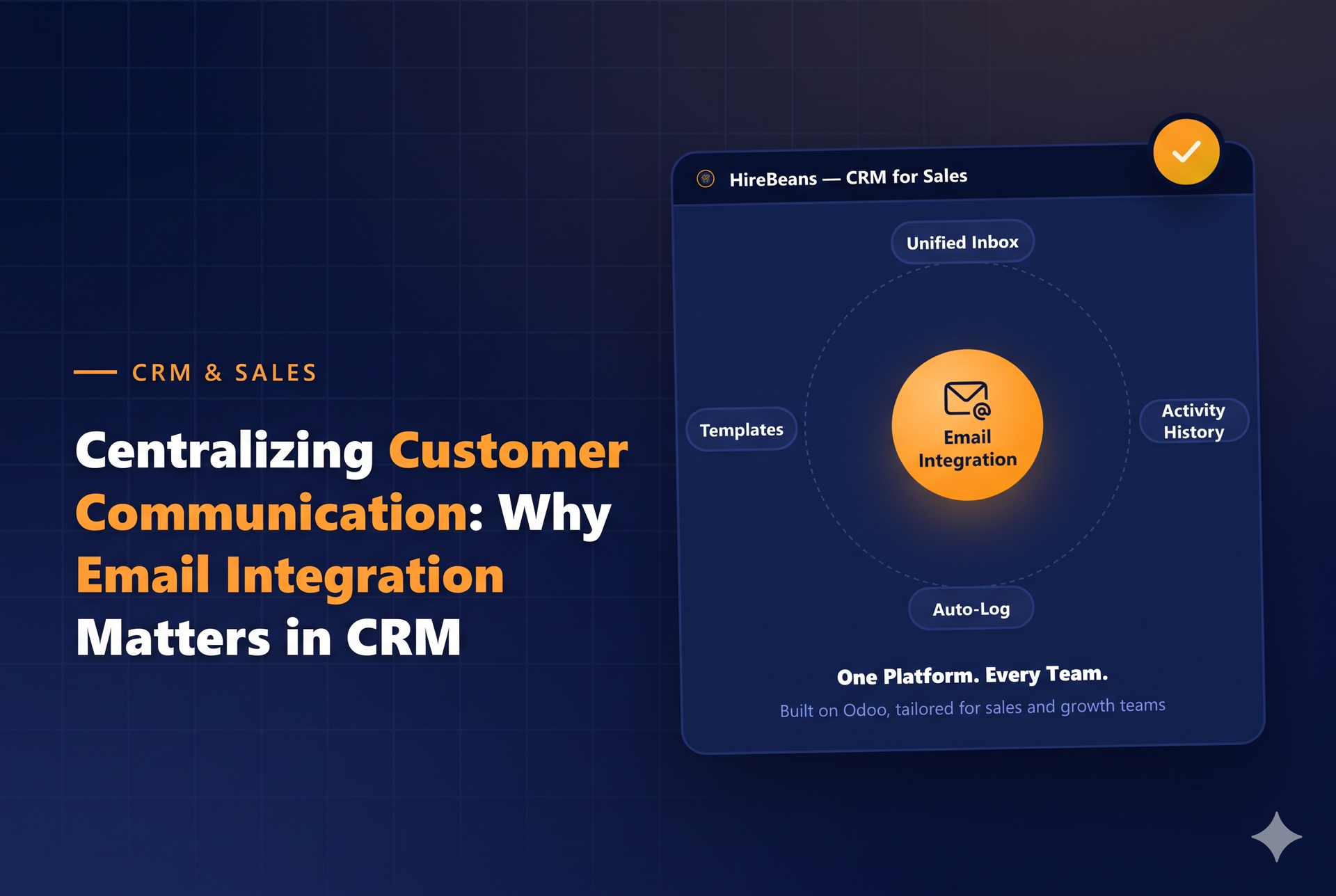
Connecting your email client with your CRM workflows solves this problem. CRM email integration creates a single source of truth for every customer interaction, ensuring improved visibility, better team collaboration, easier follow-ups, and highly organized customer records.
Advantages of Connected Inboxes (Feature Grid)
Seamless Communication with Odoo CRM
Odoo CRM offers robust solutions for centralizing communications by working with supported email configurations. Depending on your specific email setup and workflow, Odoo CRM can automatically route incoming emails to create new leads or attach replies directly to existing opportunities. This ensures that users do not have to continuously switch between CRM software and their email clients to piece together the history of a deal.
A Practical Business Example
Consider an IT services firm where a senior representative is taking over a complex account while a colleague is on vacation. Instead of digging through forwarded email chains or calling the prospect to ask repetitive questions, the senior representative simply opens the prospect's record in the CRM. They can review the complete timeline of previous emails, attachments, and documented requirements. This allows the team to conduct a highly informed follow-up meeting, providing a consistent and professional customer experience.
Connect Your Conversations
Keep your sales team on the same page with centralized email integration. Book a Free Demo at hirebeans.cloud
Book a Free Demo