
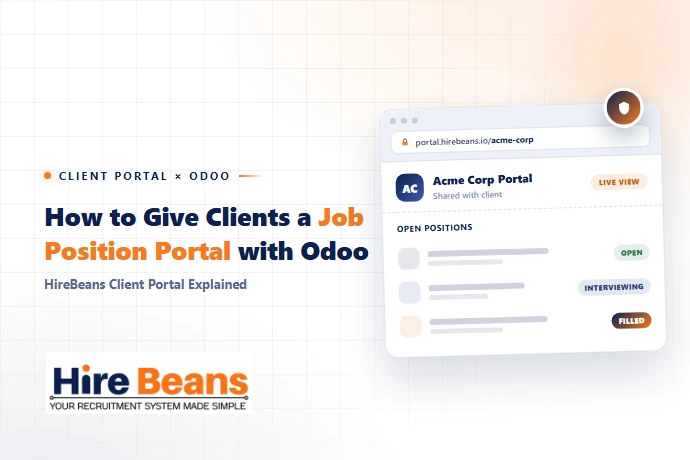
The #1 Client Complaint About Recruitment Agencies
"I never know what's happening." When a client submits a job requirement and hears nothing but vague weekly calls, they start working with a competing agency. HireBeans' Client Portal solves this with a real-time self-service window into your hiring activity — directly addressing one of the most common reasons agencies struggle to manage client requirements effectively.
The "Show in Client Portal" Toggle
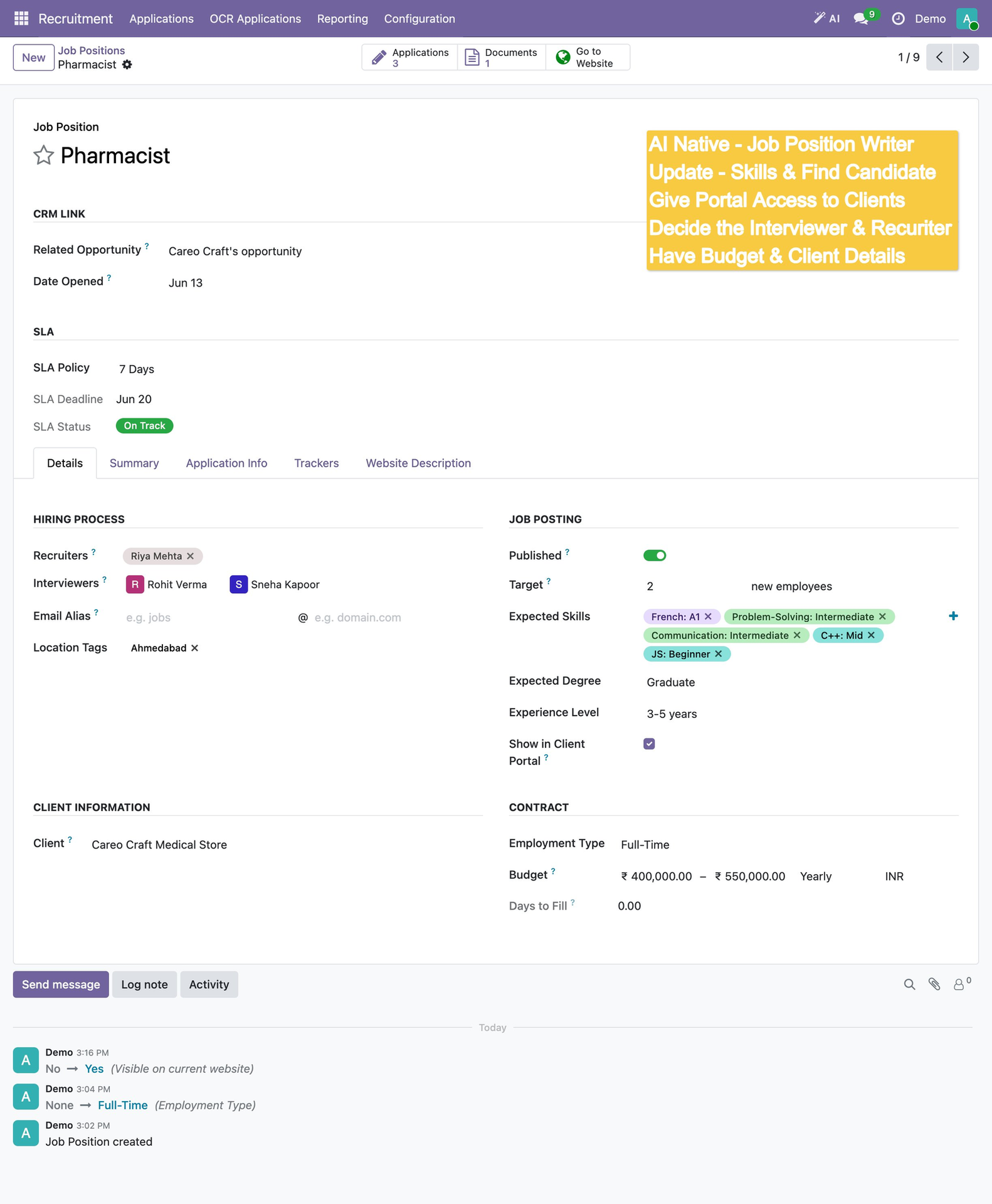
In the Job Position form, a single checkbox — "Show in Client Portal" — makes any open role visible to the linked client when they log into their portal. Clients see pipeline stage, candidate count, SLA status, and evaluation ratings. They can approve or reject candidates directly, with feedback syncing to the recruiter's view in real-time.
The "Show in Client Portal" checkbox and Client field that control what the client sees in their branded portal.
Business Impact of the Client Portal
- ✓40-60% reduction in inbound status-update calls within 30 days
- ✓Faster candidate approval — hours instead of days
- ✓Higher perceived professionalism in client pitches
- ✓Lower client churn — clients who see progress stay loyal
- ✓This visibility ties directly into the SLA tracking covered in recruitment agency KPIs, and is one piece of the broader recruitment agency workflow, from client requirement to invoice.
Want to show your clients a live portal view of their hiring pipeline? Book a HireBeans demo.