
Introduction
A customer rarely deals with only one part of your business. They ask for a quotation, place an order, receive a delivery, get an invoice, and sometimes raise a complaint. If each of those steps lives in a separate system, nobody in your company sees the whole story, and the customer ends up repeating themselves.
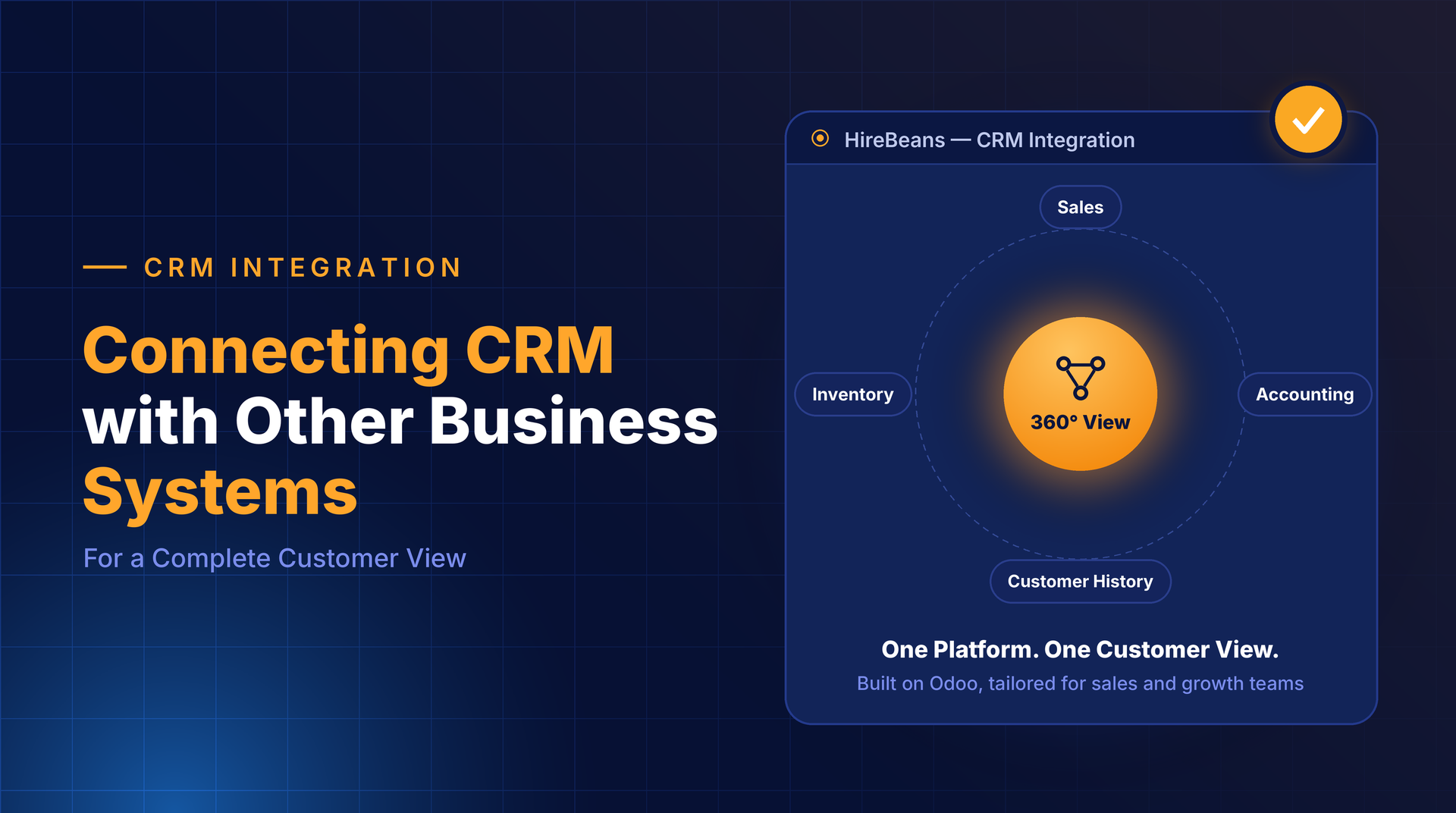
Connecting your CRM with other business systems solves this by giving everyone a shared, current view of each customer. This article explains what that looks like in Odoo and what to consider when some of your tools sit outside it.
The Challenge
When systems are disconnected, simple customer questions turn into small investigations. A salesperson preparing for a renewal call has to ask accounts whether invoices are paid, ask the warehouse about recent deliveries, and ask support whether there are open complaints. Each answer comes from a different person, in a different format, at a different time.
This creates several risks. A salesperson may call a customer to pitch a new product while that customer has an unresolved service issue. Data entered twice can differ between systems. Handovers, such as a won deal going to operations, rely on emails and messages where details are easily lost. These are small frictions individually, but together they slow the business and weaken the customer's confidence.
Key Features
A Real-World Example
- ✓Consider a company that sells and installs water treatment systems. A customer calls to ask when their service visit is due and whether they can add another unit. In a disconnected setup, the person answering the phone would take a message and promise to call back after checking with three departments.
- ✓With CRM connected to sales, invoicing, and service, the same person opens the customer record. They see the original quotation and the installed unit, the invoice status, and the scheduled visit. They also see the notes from the last call with the salesperson. They answer the visit question on the spot, record the interest in another unit as a new opportunity, and assign it to the right salesperson with a note about the customer's history.
- ✓The customer experiences this as a smooth conversation. Internally, nothing was retyped. If you also use systems outside Odoo, such as a specialised billing tool, plan the integration carefully. Decide which system holds the master record for each type of data, and test the flow before relying on it.
Conclusion
A complete customer view is not a feature you switch on. It is the result of connecting the steps of your business so that data entered once is available wherever it is needed. When CRM works together with sales, invoicing, inventory, and support, your team spends less time chasing information and more time serving customers.
Map the journey of a typical customer, note where information gets stuck, and connect those points first. A phased approach is usually safer than trying to connect everything at once.
See your customer's whole story in one place by connecting CRM with the rest of your operations. Book a Free Demo at hirebeans.cloud
Book a Free Demo