
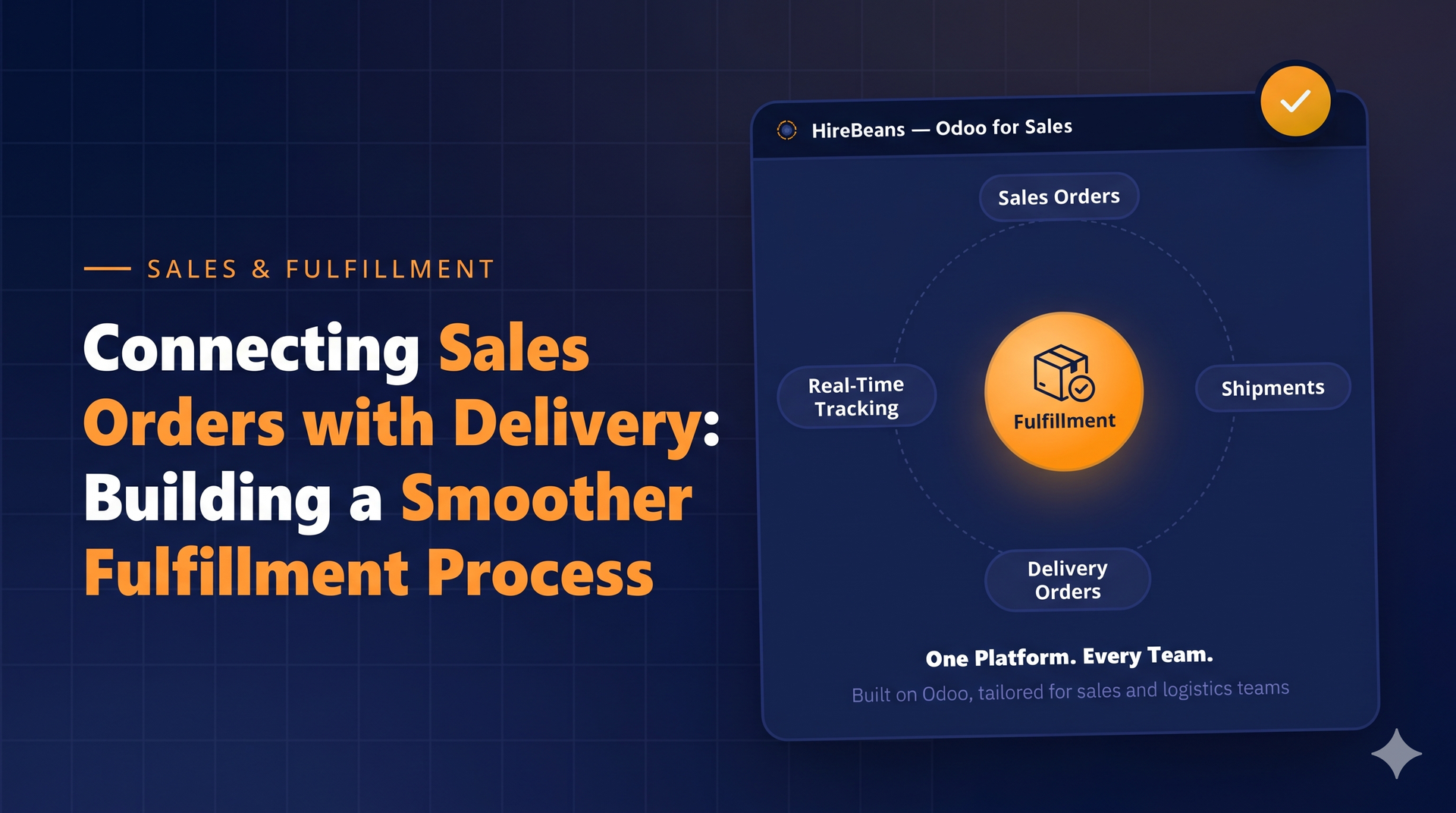
The Critical Handoff
Securing a customer's signature on a sales order is a cause for celebration, but it is only the beginning of the actual transaction. A confirmed order must instantly trigger a cascade of critical business activities: checking physical stock availability, instructing the warehouse to prepare the products, arranging shipping logistics, and finally, executing the delivery. This handoff from sales to the warehouse is the most critical juncture in order fulfillment.
The Friction of Disconnected Teams
When sales and warehouse teams operate in isolated software environments, errors multiply. A sales rep might confidently accept a massive order for products that the warehouse knows are severely backordered. This disconnect leads to delayed shipments, frantic partial deliveries, incorrect quantities being dispatched, and a total lack of order-status visibility. When the customer calls asking where their package is, the sales rep is left entirely in the dark.
Key Features: Unified Order Processing
A Practical Business Example
A growing B2B auto parts distributor receives a rush order for 50 specialized brake pads. Because their ERP utilizes deep sales and inventory integration, confirming the sales order immediately alerts the warehouse team via a digital picking dashboard. The system reserves the 50 pads, prints the shipping labels, and updates the sales rep's screen to 'In Fulfillment.' When the carrier scans the package out the door, the status updates to 'Shipped,' allowing the rep to proactively notify the highly satisfied customer.
Conclusion
Building a smoother fulfillment process requires breaking down the digital walls between your sales force and your supply chain. Integrated workflows eliminate avoidable errors, drastically improve delivery speeds, and arm your team with the data needed to provide exceptional customer service.
Ready to bridge the gap between sales and the warehouse? Book a Free Demo at hirebeans.cloud
Book a Free Demo