
Introduction
In sales, timing is everything. A prompt follow-up can be the deciding factor between winning a new customer and losing them to a competitor. Unfortunately, when sales representatives rely on sticky notes, manual calendars, or memory to manage their outreach, things inevitably slip. Missed calls, forgotten emails, delayed responses, and inconsistent communication not only damage customer relationships but directly impact the bottom line.
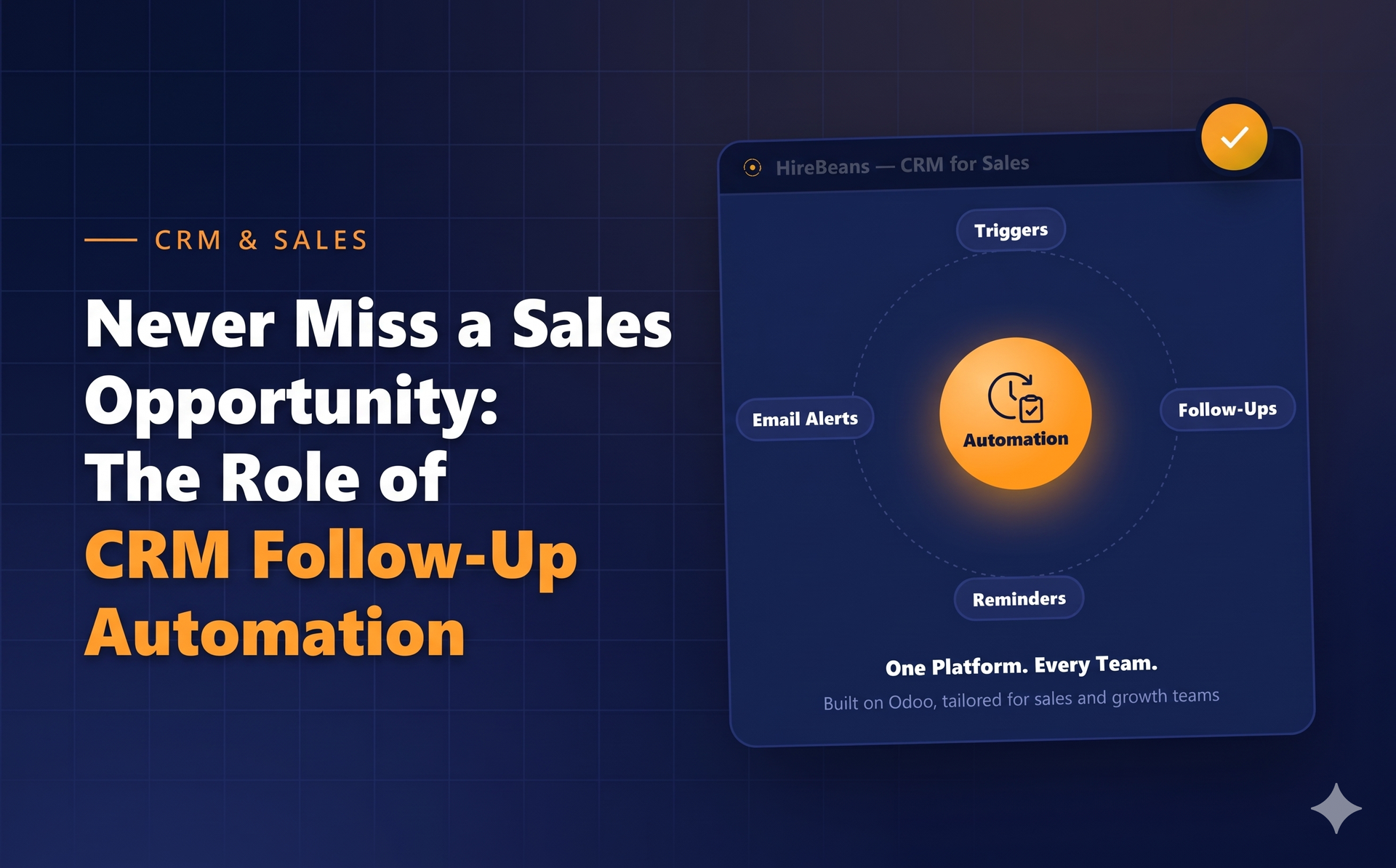
This is where CRM follow-up automation steps in to protect your pipeline. By utilizing software to manage sales activities, businesses can reduce the burden of repetitive administrative tasks. Automated workflows and smart scheduling ensure that representatives maintain consistent communication with prospects, guiding them smoothly through the lead nurturing process.
Activity Management Capabilities (Feature Grid)
Staying Organized with Odoo CRM
Odoo CRM excels at sales activity management by allowing teams to log calls, schedule next steps, and set reminders all in one place. It is important to distinguish between simply scheduling a follow-up activity (like setting a reminder to call a client next Tuesday) and setting up an automated action (like automatically dispatching a welcome email when a deal is won). Odoo CRM supports both, helping users plan their daily routines efficiently while utilizing automated sales workflows where configured to handle routine outreach.
A Practical Business Example
Consider a real estate agency where each agent handles thirty active buyers. Remembering when to call back each buyer regarding new property listings is practically impossible without a system. By using CRM follow-up automation, an agent finishes a call and instantly schedules a follow-up activity for three days later. The system automatically prompts the agent on the required day, providing a summary of the previous conversation. This structured process improves daily organization, accountability, and overall customer engagement.
Automate Your Follow-Ups Today
Stop letting prospects slip through the cracks. Book a Free Demo at hirebeans.cloud
Book a Free Demo