
Introduction
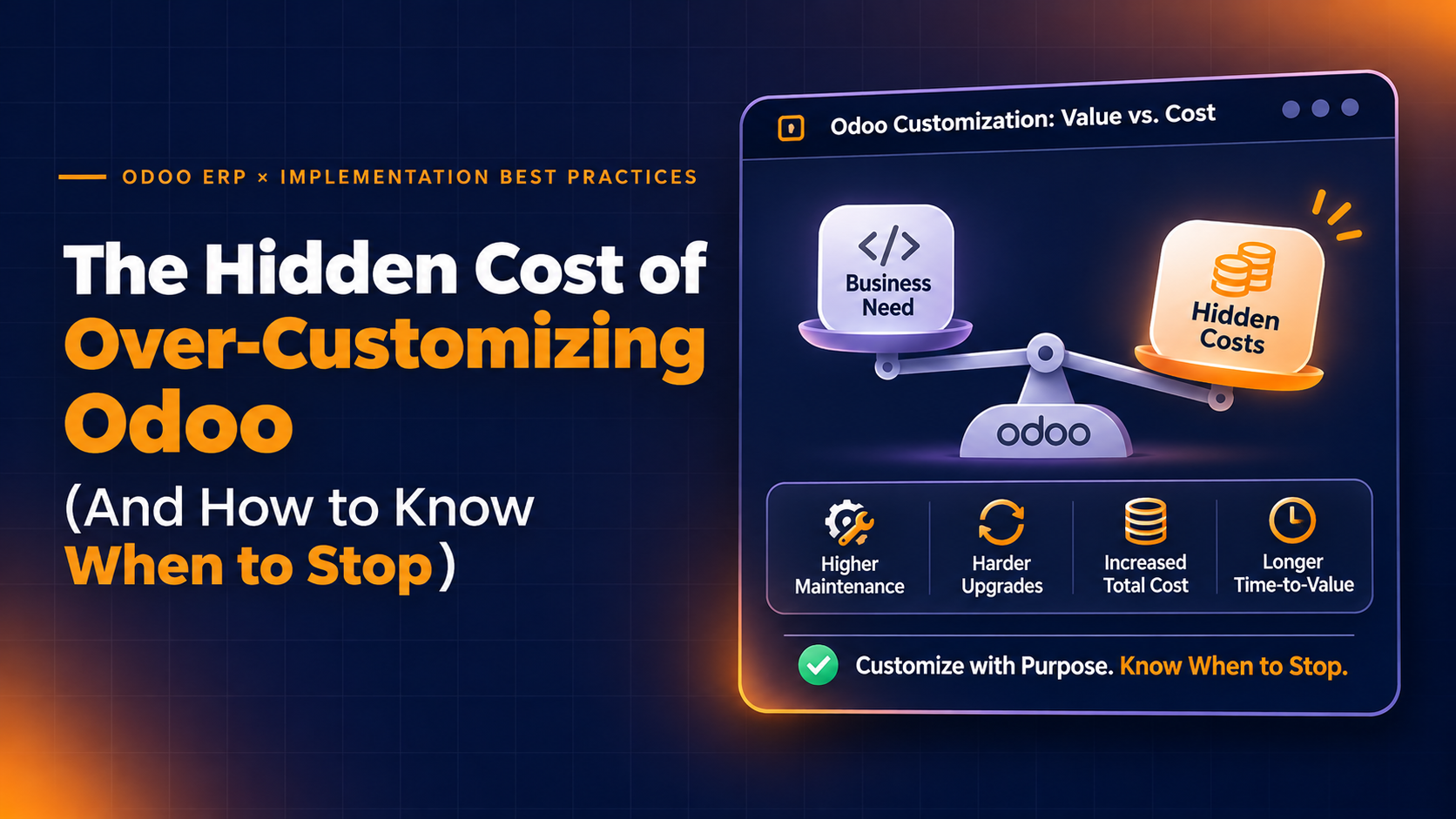
Odoo's biggest selling point is also its easiest trap: because almost anything can be customized, almost everything ends up customized — whether it needs to be or not. Every custom module solves today's specific complaint. What it also does, quietly, is add a permanent maintenance cost that doesn't show up on the invoice for that module. It shows up two years later, during your next upgrade.
Why Customization Feels Free in the Moment
A custom field, a custom report, a custom workflow tweak — each one, in isolation, looks like a small, reasonable request. The team asking for it usually has a legitimate frustration: “this report doesn't show what we need” or “this approval step doesn't match how we actually work.” The problem isn't that these requests are unreasonable. It's that nobody is tracking the cumulative total, and customization compounds.
The Real Cost Isn't the Build — It's the Retrofit
Industry data on Odoo implementations puts the cost of retrofitting over-customized systems at roughly three times the cost of getting the configuration right the first time. That multiplier comes from a specific mechanic: every custom module is code that standard Odoo upgrades don't know about. When a new Odoo version ships, standard features upgrade cleanly. Custom code has to be manually re-tested, and often rewritten, against the new version — for every module, every year an upgrade is due.
This is how a system that “works fine” quietly becomes expensive to touch. Teams start avoiding upgrades because of the custom-code risk, which is how businesses end up stuck on unsupported Odoo versions in the first place.
Standard Odoo Covers More Than Most Teams Assume
A large share of “we need a custom module for this” requests turn out to be solvable with existing Odoo configuration, a standard app combination, or a minor workflow adjustment — not custom development. The difference usually comes down to whether someone pushed back and asked why before building. A partner billing by the hour has a weak incentive to say “you don't actually need this.” A partner anchored to delivering a scoped outcome has a strong one.
A Simple Test Before Approving Any Customization (renders as a checklist)
- ✓Does standard Odoo, or a documented Odoo app, already solve this? If nobody has actually checked, that's the first step — not development.
- ✓Is this solving a real operational problem, or matching an old process out of habit? Some requests are really “make Odoo behave like our old spreadsheet,” which defeats the point of moving to a connected system in the first place.
- ✓What does this cost at the next major version upgrade, not just today? A custom module that takes two days to build might take five days to migrate forward every year after. That's the number that matters for total cost of ownership.
When Customization Genuinely Is the Right Call
None of this means customization is always wrong. Industry-specific workflows — a manufacturing floor's quality checkpoints, a recruitment agency's pipeline stages, a logistics company's routing logic — often need real configuration beyond the out-of-the-box apps, and that's exactly what the flexibility is for. The distinction is between customization that's justified by a documented operational need, versus customization that accumulates because nobody was asking “do we actually need this” at the time.
The businesses that get the most value out of Odoo long-term aren't the ones with the most custom modules. They're the ones that stayed close to standard configuration wherever it worked, and reserved custom development for the handful of things that genuinely needed it.
Ready to Try It?
Not sure how much customization your Odoo setup actually needs? Book a Free Demo at hirebeans.cloud.
Book a Free Demo