
Organizing the Production Floor
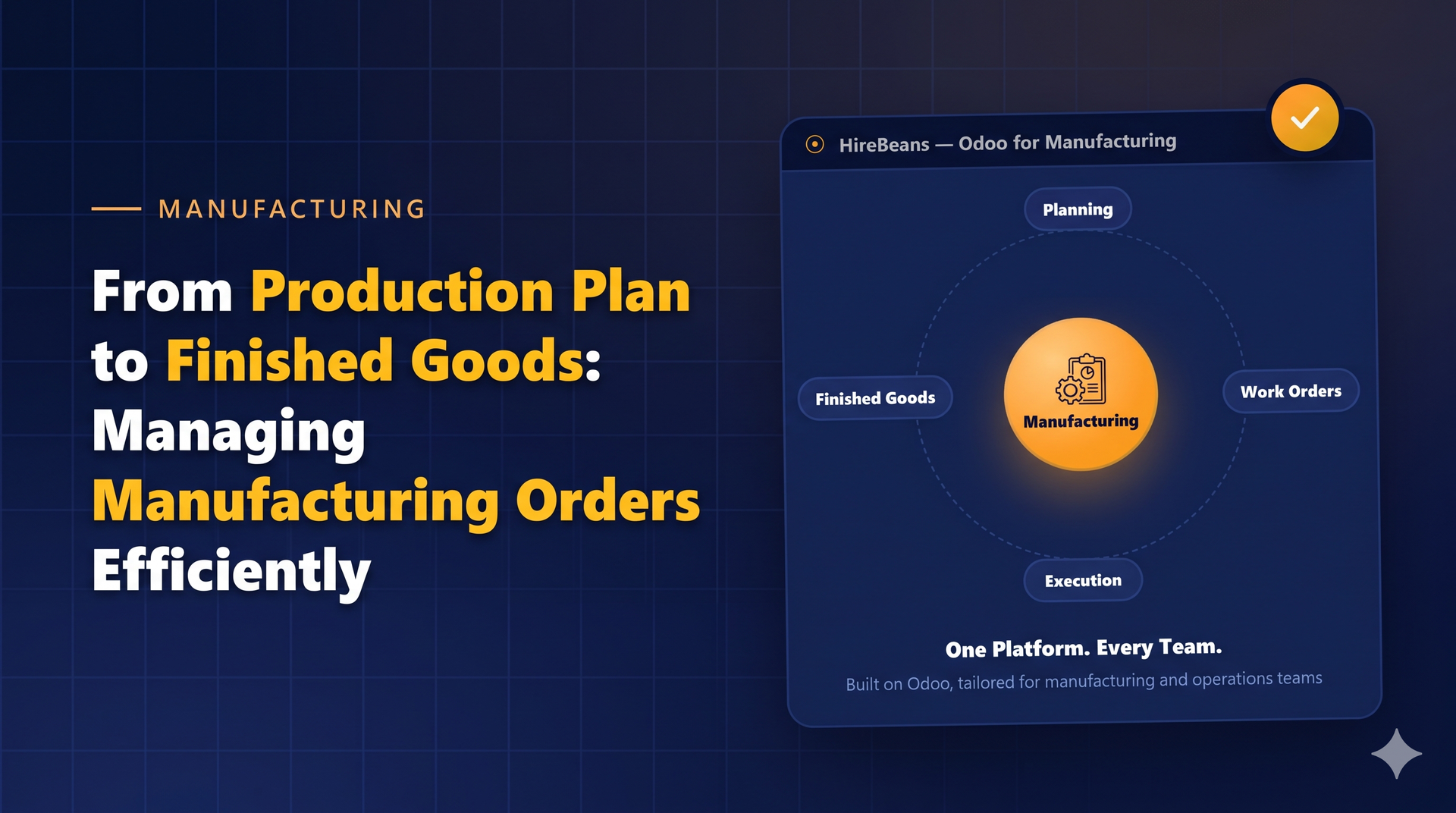
A manufacturing order (MO) is the central authorization document that tells a factory floor exactly what to build, how many to build, and when they need to be finished. It serves as the primary engine driving the manufacturing workflow, acting as the bridge that converts a conceptual production plan into tangible, finished goods ready for customer delivery.
Overcoming Floor-Level Chaos
Without a digital system to track MOs, factories often descend into localized chaos. Production managers struggle with unclear priorities, causing operators to build the wrong items first. Missing components bring assembly lines to a sudden halt, leading to severely delayed customer orders. Moreover, paper-based tracking provides extremely poor visibility into work progress, meaning sales teams have no reliable way to tell clients when their orders will actually ship.
Key Features: Controlling Production with ERP
A Practical Business Example
Imagine a commercial lighting manufacturer that just received a massive contract to produce 500 industrial light fixtures by the end of the month. By utilizing production planning software, the manager generates a single manufacturing order. The ERP instantly cross-references the Bill of Materials against current inventory, highlighting that they are short on specific LED drivers. The system drafts a purchase order for the drivers, while simultaneously scheduling the metal fabrication work to begin immediately, perfectly orchestrating material availability and production timelines.
Conclusion
Efficient manufacturing order management brings calm to the often-chaotic factory floor. While true visibility relies on workers accurately recording their activities, a structured digital workflow ensures that inventory, purchasing, and sales teams are all perfectly aligned.
Want complete visibility into your production floor? Book a Free Demo at hirebeans.cloud
Book a Free Demo