
Introduction
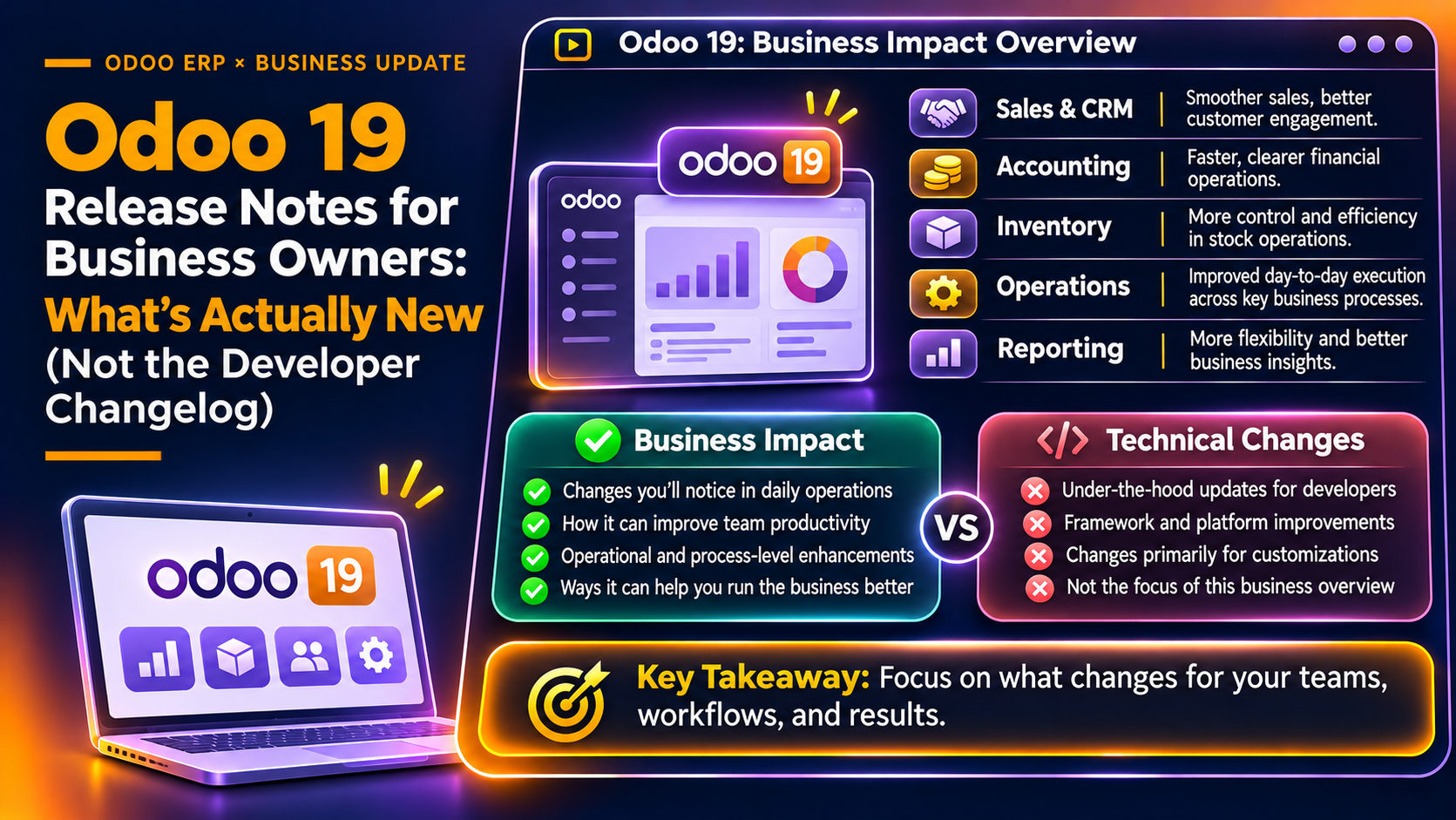
Odoo's own release notes for a new major version are written for implementation partners and developers, which makes them hard to use as a business owner trying to answer a simpler question: does this release actually change anything I'd notice day to day? Odoo 19's answer is yes, especially in AI-assisted features across Accounting, CRM, and Inventory — here's what's actually relevant, by department, without the technical detail.
Accounting: AI Reconciliation and Better Reporting
The headline feature here is AI-powered bank reconciliation, which learns from your team's own past matching patterns and flags anything it can't confidently match for manual review, improving as corrections feed back into it. Alongside that: real-time consolidated reporting across multiple companies, a custom report builder with calculated columns and conditional formatting, 30/60/90-day cash flow forecasting, more granular audit trails on journal entries, and updated tax handling for e-invoicing and digital reporting mandates across 80+ countries.
CRM and Sales: Predictive Scoring and Pipeline Intelligence
CRM gets predictive lead scoring — leads are scored on conversion probability based on source, company size, industry, and engagement, with scores updating as a lead interacts further, and managers able to adjust the scoring weights. Pipeline intelligence adds stale-deal alerts, win/loss analysis, revenue forecasting, and next-best-action suggestions. On the sales document side, there's a redesigned drag-and-drop quotation editor, digital signatures with timestamp verification, multi-currency quotations with automatic exchange rate updates, and configurable approval workflows for quotes above a set threshold.
Inventory and Warehouse: Visual Tools and Smarter Forecasting
Demand forecasting now uses AI-assisted predictions, with automatic reorder point adjustments and supplier lead time learning from historical order data, rather than a static assumption set once at configuration. The warehouse side gets a visual floor-plan manager with heat maps of picking and stock activity, drag-and-drop transfers, and barcode scanning; a visual flowchart builder for multi-step routes with conditional logic; batch picking that groups orders by zone to cut travel time; and simplified cross-docking setup for marketplace and drop-ship fulfillment.
Manufacturing: Visual Planning and Quality Control
A visual production planner adds Gantt-chart scheduling with drag-and-drop rescheduling, real-time work center capacity tracking, and conflict detection, plus what-if scenario simulation before committing a schedule change. Material checks validate raw material availability before confirming a production order. Quality control gets inline checkpoints, statistical process control charts with out-of-control alerts, and supplier quality scorecards. BOM management adds version control, engineering change orders with approval workflows, and cost simulation.
Background Infrastructure (Briefly, for the Curious)
One change worth a one-line mention even for non-technical readers: background automation was redesigned with priority levels, dead-letter queues for failed scheduled jobs, and webhook retries with exponential backoff. In plain terms — this is about the system being more resilient when something behind the scenes fails, rather than silently dropping a task. It's not a feature you'll interact with directly, but it's part of why automated processes in 19 tend to be more reliable.
The Honest Summary
If there's one theme across this release, it's that most of the meaningful new capability is AI-assisted, not AI-automated — reconciliation suggestions, scoring, forecasting, and planning tools that reduce manual work and surface patterns, while still routing the actual decision to a person. That's a reasonable, honest description of where Odoo's AI capability genuinely is right now, not an overstatement in either direction.
Ready to Try It?
Curious what Odoo 19 looks like running against your own business? Book a Free Demo at hirebeans.cloud.
Book a Free Demo