
Introduction
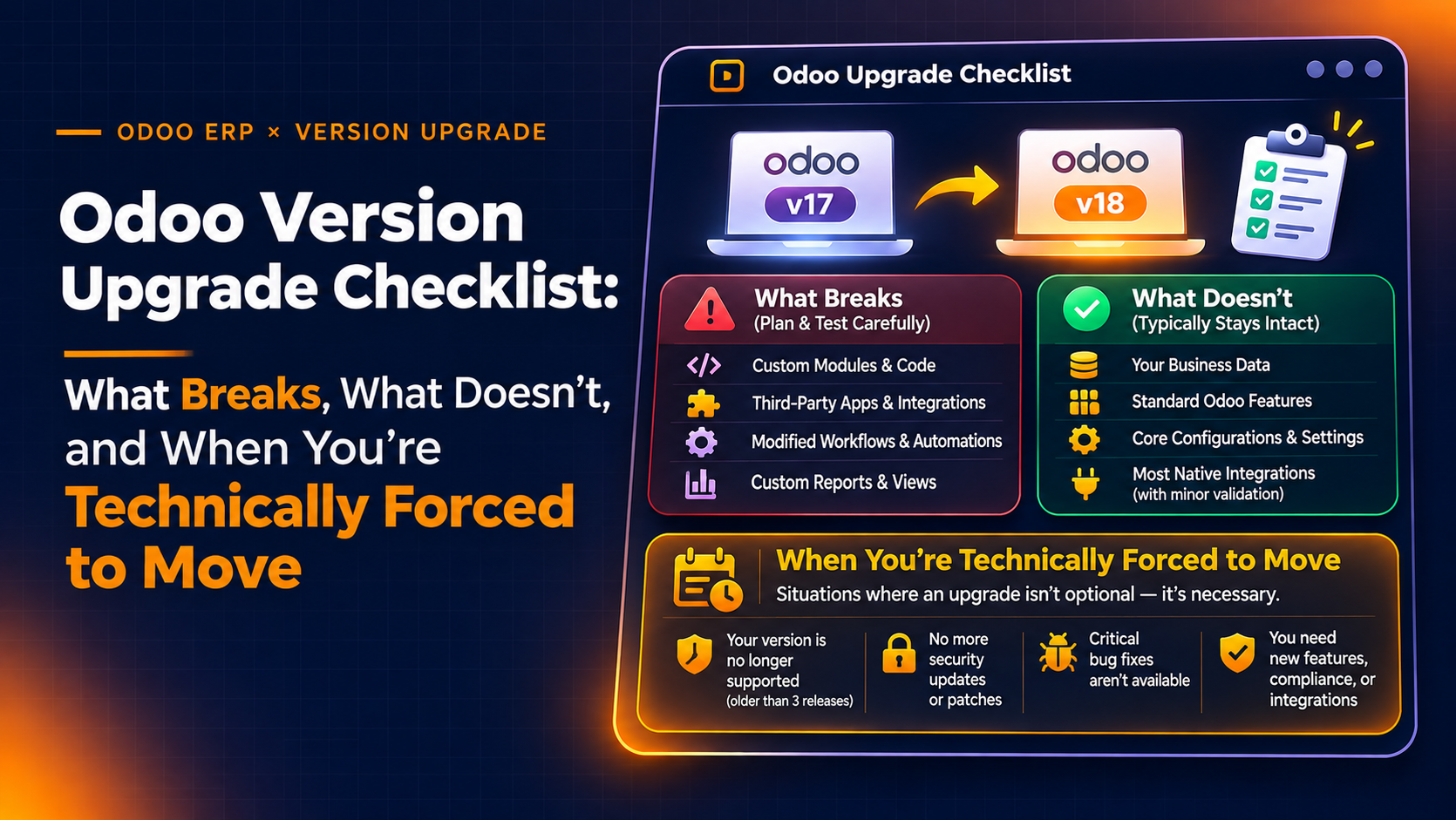
Odoo ships a new major version every year, and it only provides support — security patches, bug fixes, official assistance — for its three most recent major versions. That's a quiet policy that most businesses only discover once something breaks and the fix they need isn't coming, because the version they're on has already aged out of support.
Knowing where your deployment stands on that clock, before it becomes urgent, is the difference between a planned migration and a forced one.
First, Know What Version You're Actually On
This sounds obvious, but a surprising number of businesses running Odoo for years genuinely don't know which major version they're on, or when it drops out of the supported window. That's worth checking first — it's a five-minute question with a concrete deadline attached to the answer.
What Typically Carries Forward Cleanly
Standard Odoo apps — the out-of-the-box Sales, CRM, Inventory, Accounting, HR modules used as configured, without heavy custom code layered on top — generally upgrade with manageable effort. Odoo's own upgrade tooling handles most of the standard data and configuration migration. If your deployment leaned on standard features and reasonable configuration rather than extensive custom development, an upgrade is closer to a project than a rebuild.
What Typically Breaks
Custom modules are where upgrades get expensive and risky, and for a specific reason: a new major version can change underlying APIs, data models, and module structures that custom code depends on. Standard Odoo features upgrade automatically with the new version; custom code doesn't — it has to be manually reviewed, often rewritten, and re-tested against the new version, module by module. The more custom development a deployment accumulated over the years, the more expensive and slower its upgrade path becomes.
Heavily customized integrations with third-party tools are a similar risk — anything connecting to Odoo via API should be checked against the new version's changes before the upgrade, not after something stops syncing.
Signs You're Already Past the Safe Window (renders as a checklist)
- ✓You're more than three major versions behind current.
- ✓A past attempt at upgrading stalled or was abandoned because of custom-code conflicts.
- ✓Nobody on your team, internal or at your implementation partner, can confirm your current support status.
- ✓You've been avoiding an upgrade specifically because of the custom-code risk, rather than because there's no business need.
- ✓Any one of these is worth a conversation. More than one means the clock is closer to the deadline than it feels.
A Practical Way to Approach the Decision
- ✓Before committing to a timeline, it's worth getting a straightforward answer to three questions: what does your current custom code actually touch, and how much of it survives the move unchanged versus needing rework; what's the realistic cost difference between upgrading now on a planned timeline versus being forced into it later under time pressure, when a dependency finally breaks; and what's the migration path for your actual data — not a generic answer, but a specific one for your database, your customizations, and your integrations.
- ✓An upgrade done on a planned timeline, with an audit of what actually needs rework, is a fundamentally different and cheaper project than the same upgrade attempted reactively after support has already lapsed and something has already broken in production.
- ✓Odoo's version policy isn't a trap — it's a predictable, known deadline. The businesses that handle it well are the ones that check where they stand well before the deadline arrives, rather than finding out the hard way when something stops working and the fix isn't coming.
Ready to Try It?
Not sure if you're inside Odoo's supported version window? Book a Free Demo at hirebeans.cloud.
Book a Free Demo