
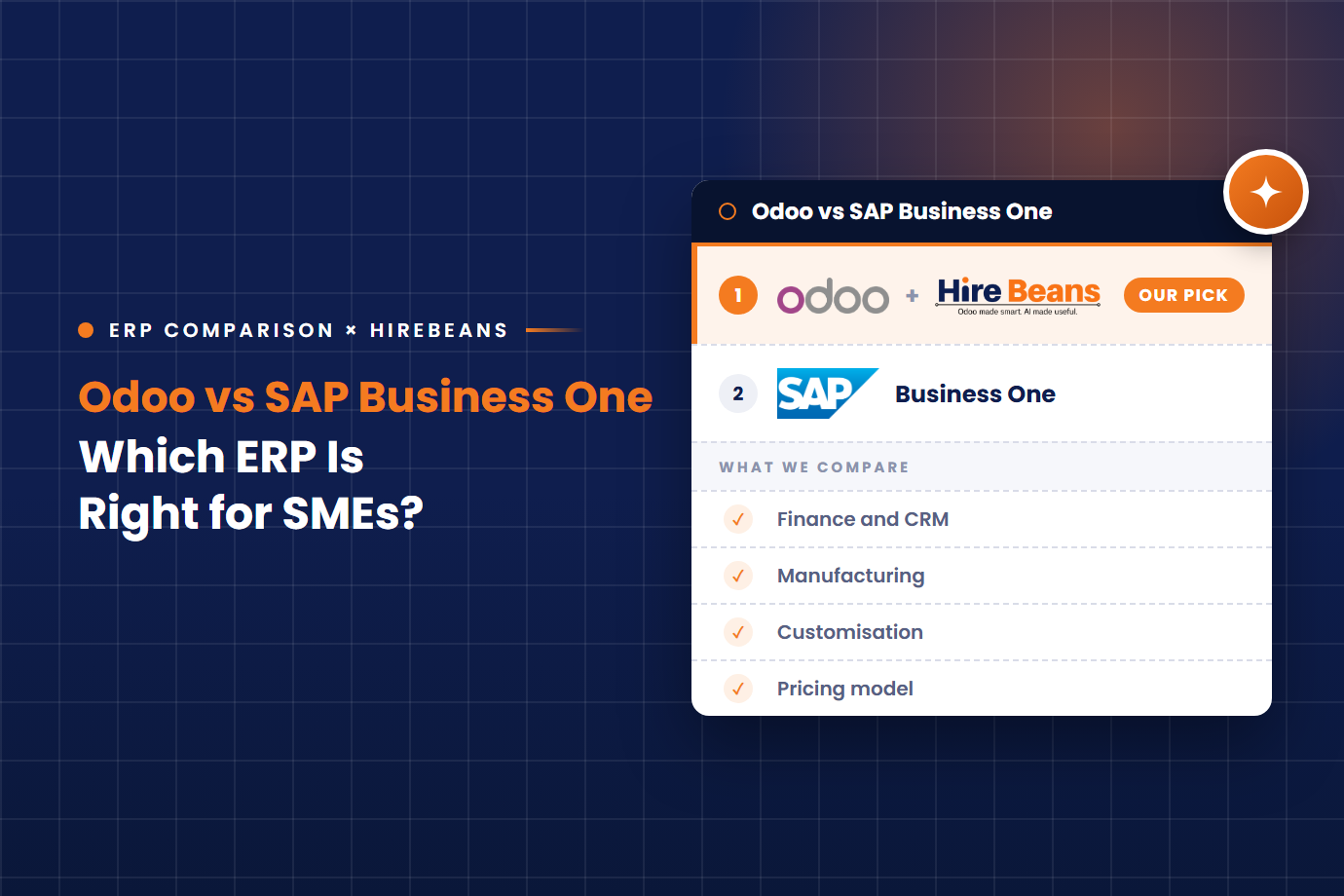
Odoo vs SAP Business One: Overview
Odoo vs SAP Business One is a key decision for small and mid-sized companies moving to a full ERP. SAP Business One is SAP's established ERP for smaller businesses, usually sold and implemented through partners. Odoo is a modular, open-core ERP with a modern web interface.
Both can run finance, sales, purchasing and stock. They differ in breadth, flexibility and cost structure.
Feature Comparison
| Feature | Odoo | SAP Business One |
|---|---|---|
| Finance | Integrated accounting with localisations | Strong, established financial management |
| CRM | Full pipeline app | Basic CRM functions |
| Manufacturing | MRP, work orders, quality, maintenance, PLM | Core production and MRP; add-ons for depth |
| eCommerce and website | Built in | Needs third-party integration |
| HR and projects | Apps in the same system | Often added through partner solutions |
| User interface | Modern web and mobile | Traditional client, plus web client |
| Customisation | Open framework, Studio and Python | SDK and partner add-ons |
| Pricing model | Per user subscription | Named user licences or subscription via partner |
Odoo vs SAP B1: Usability and Flexibility
Odoo screens are consistent across apps, so users who learn one find the next familiar. Odoo vs SAP B1 comparisons often turn on change: when your process changes, Odoo fields, approvals and reports can usually be adapted without buying another add-on.
SAP B1 Pricing Compared with Odoo
SAP does not publish one standard list price for Business One; partners quote based on user types, hosting and add-ons. Odoo publishes its prices: in India, checked in November 2026, Standard is ₹725 and Custom ₹1,350 per user per month on yearly billing. Ask both vendors for a three-year total including implementation, add-ons and support. Our implementation cost breakdown shows what to include.
When to Choose SAP Business One or a SAP Business One Alternative
Choose SAP Business One if your group already runs SAP and needs subsidiaries aligned with it, or an industry add-on you rely on exists only there.
Choose Odoo as your SAP Business One alternative if you want CRM, eCommerce, HR and manufacturing in one product, with room to adapt.
Odoo vs SAP Business One: Pros and Cons
Odoo vs SAP Business One: A Practical Business Example
Picture a manufacturer that wants customers to reorder online. With Business One this normally means connecting a separate web store. With Odoo, the website, order, production plan and invoice can be handled in the same system.
This is an illustrative scenario, not a client case study. Your own result depends on your processes, data and setup.
Odoo vs SAP Business One: Demo Checklist Before You Decide
Ask both partners to run a production order with a shortage, a quality failure and a customer return. List every add-on in each quote and ask who maintains it during upgrades.
Score each system on four points: how well it fits your daily process, how much customisation it needs, the three-year total cost and who will support it after go-live. Include the people who will use it every day, not only management, and use your own sample data instead of a generic demo.
HireBeans can run this checklist with you. We are an Odoo partner offering implementation, migration, training, customisation and support, with a single point of contact for your project.
SAP to Odoo Migration with HireBeans
SAP to Odoo migration needs careful mapping of the chart of accounts, item masters, bills of materials, open orders and balances. HireBeans audits your add-ons first, decides what standard Odoo can replace, and reconciles data before go-live. See our ERP migration services and manufacturing ERP solution.
Odoo vs SAP Business One: Why SMEs Choose Odoo
Small and mid-sized companies need a system that their own people can run. Odoo's screens are consistent from CRM to manufacturing, search and filters work the same way everywhere, and the web interface is familiar to anyone who uses online tools. Faster learning means data is entered on time, which is the real foundation of good reporting.
Breadth is the second advantage. Odoo includes CRM, website, eCommerce, point of sale, marketing, HR, helpdesk, field service, documents and electronic signature alongside finance and operations. With Business One, several of these usually come from partner add-ons or outside tools, each with its own contract and upgrade path.
The third is adaptability. Businesses change their approval rules, price structures and fulfilment methods. Odoo can usually follow those changes through configuration or a focused module, which is why many companies treat it as a practical SAP Business One alternative.
Odoo vs SAP B1 for Sales, CRM and Purchasing
SAP Business One manages quotations, orders, deliveries, invoices and basic sales opportunities. Odoo adds a visual pipeline, activity scheduling, lead scoring, online quotations with signature and payment, subscriptions and a customer portal. A salesperson can see stock, past orders and open invoices from one place.
In purchasing, both systems raise purchase orders and receive goods. Odoo adds supplier price lists, automated reordering, requests for quotation with comparison, blanket orders and vendor bill matching. Read how quotation comparison supports better buying.
Odoo vs SAP B1 for Inventory and Manufacturing
Both handle items, warehouses and production. Odoo gives warehouse teams barcode operations, putaway rules, wave and batch picking, lots, serials and expiry control within the standard apps. Production teams get bills of materials, work centre planning, a shop floor screen, subcontracting and master production scheduling.
Quality, Maintenance and PLM apps are part of the same platform. A quality alert can lead to an engineering change, and a new bill of materials version can be approved and used by the next production order. That loop is valuable for manufacturers who want improvement, not only record keeping.
SAP Business One Alternative for Finance and Reporting
Odoo Accounting covers receivables, payables, bank reconciliation, multi-currency, assets, budgets, deferrals, analytic accounting and multi-company reporting with the appropriate plan. Dashboards and live spreadsheets let department heads see their own figures without asking for a new report from a consultant. Access rights keep sensitive data limited to the right roles, and the record history supports audit.
SAP B1 Pricing and Total Cost of Ownership
When comparing SAP B1 pricing with Odoo, include everything: user licences by type, database and hosting, add-on subscriptions, maintenance fees, partner days for changes, upgrade projects and training. Do the same for Odoo with its subscription, implementation, custom modules and support.
Odoo's published all-apps price makes the licence part easy to forecast. Savings often come from needing fewer add-ons and from changes that take less specialist effort. Request written quotes for the same scope so the comparison is fair.
SAP to Odoo Migration: Step by Step
Step 1, assessment. HireBeans lists your Business One modules, add-ons, user-defined fields, reports and integrations.
Step 2, gap analysis. Each requirement is marked as standard Odoo, configuration, custom work or no longer needed.
Step 3, data preparation. Business partners, item masters, bills of materials and the chart of accounts are cleaned and mapped.
Step 4, pilot. Your key users run orders, production and month-end tasks on trial data.
Step 5, cut-over. Open documents, stock and balances are loaded and reconciled.
Step 6, support. The team stays with you while users settle into the new routine.
Do not copy every old workaround. A migration is the best chance to simplify.
Odoo vs SAP Business One: Industry Fit
Odoo suits discrete manufacturers, assemblers, distributors, retailers, food producers and service businesses that want an online channel and modern workflows. For food companies, FEFO picking and lot traceability are especially useful. See our food and beverage ERP solution.
Odoo vs SAP Business One: What Changes for Each Team
For owners, the main change is access to current numbers. Sales booked, orders waiting to ship, overdue invoices and stock value can sit on one dashboard, and each figure opens to the records behind it. Weekly review meetings spend less time checking data and more time deciding.
For sales teams, the pipeline, quotations and order history are in the same screen. A salesperson preparing for a visit can see open deals, recent deliveries and unpaid bills before walking in. Follow-up activities are scheduled, so a promising enquiry is not forgotten because someone was busy.
For warehouse and production staff, work arrives as clear tasks. Receipts, picks, packing and work orders can be processed with barcode or tablet screens. Shortages are visible before the shift starts, and scrap or quality problems are recorded where they happen.
For finance, entries follow operations. The team checks and reconciles instead of re-entering, follows up receivables with planned reminders and closes the period with supporting documents attached to each entry.
Odoo vs SAP B1: Mistakes to Avoid When Choosing
The first mistake is comparing feature lists without testing your own process. Two products can both say they support production, yet behave very differently with your substitutes, rework or partial deliveries.
The second is ignoring add-ons. Ask which functions in each quote are native, which are separate products and who is responsible when an upgrade breaks one of them.
The third is leaving users out. The people who enter orders and move stock will reveal problems that managers miss. The fourth is underestimating data cleaning: duplicate items and outdated prices cause trouble in any ERP. The fifth is choosing a partner only on price. Ask who will manage your project, how changes are agreed and what support looks like after go-live.
SAP Business One Alternative: A Practical First 90 Days Plan
In the first month, agree the scope and the success measures, such as order processing time, stock accuracy or days to close the books. HireBeans maps your processes, lists gaps and prepares a configured trial system with sample data.
In the second month, key users run real scenarios. They quote, purchase, receive, produce, ship, invoice and reconcile. Issues are logged, ranked and fixed. Reports your management depends on are rebuilt and compared with figures from Business One.
In the third month, the team trains by role, rehearses the cut-over and goes live with support close at hand. Larger or heavily customised companies will need longer, and that is normal. A realistic timeline agreed after assessment is worth more than an optimistic promise. Once the core is stable, plan the next phase, for example eCommerce, maintenance or HR, using what you learned in the first.
Odoo vs SAP Business One: Which Plan Do You Need
Plan note: Odoo Studio, multi-company, Odoo.sh or on-premise hosting and external API access need the Custom plan, so confirm which plan your requirements call for.
Odoo vs SAP Business One: Final Verdict
SAP Business One is a proven product, but proven is not the same as the best fit for the next ten years. For an SME that wants wider coverage, easier adoption and freedom to adapt, Odoo is the stronger choice. HireBeans can show you the difference using your own processes.
Compare your SAP B1 processes with Odoo. Book a Free Demo at hirebeans.cloud
Book a Free Demo