
Introduction
If you sell food, cosmetics, medicines, chemicals, or any product with a shelf life, expiry dates are a daily concern. Expired stock cannot be sold, and in some industries selling it is a compliance problem. Tracking dates in a notebook or spreadsheet works only while volumes are small.
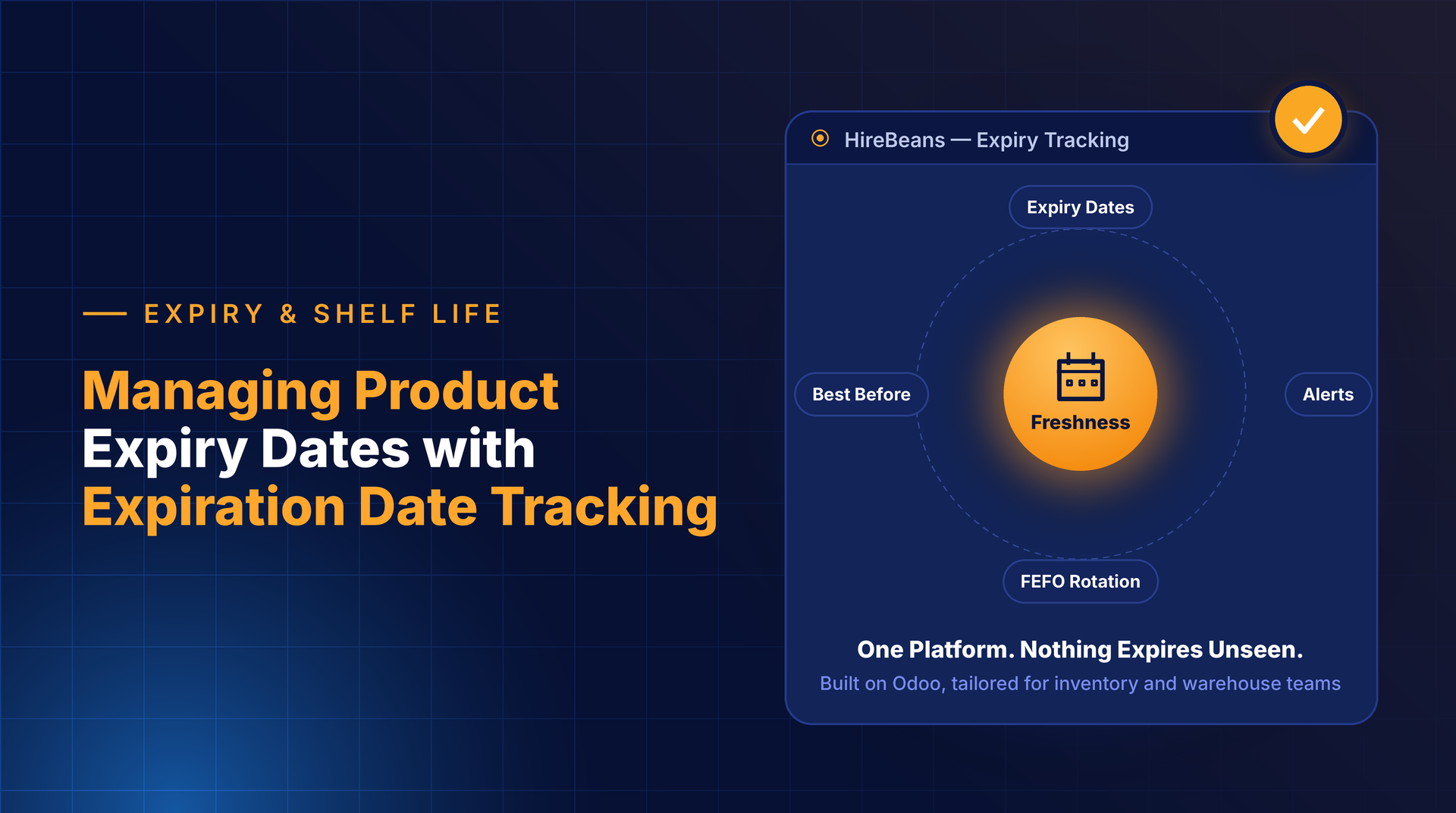
In this guide, we explain how expiration date tracking works in Odoo Inventory, how it relates to lot numbers, and how it helps you rotate stock correctly and act before products expire.
The Challenge
Expiry problems usually begin with poor visibility. Stock from different deliveries is stored together, and nobody knows which units are older. A picker takes the most convenient box rather than the oldest one, and the older stock sits at the back until it passes its date. Later, the business writes off the loss and wonders why it happened again.
There is also the question of traceability. If a supplier reports a problem with a specific batch, you need to know quickly which customers received it. Without batch records tied to expiry dates, that search is slow and uncertain.
Key Features
A Real-World Example
- ✓Imagine a distributor of packaged food items that supplies restaurants and retail shops. Products arrive in several batches per month, each with a different expiry date. The company enables lot tracking and expiration dates and sets, for each product, how many days before expiry the product should be removed from sale and when an alert should appear.
- ✓When goods are received, the warehouse team enters the lot number and expiry date from the packaging. Odoo then calculates the related dates based on the product settings. When an order is picked, the system suggests lots using First Expiry First Out, so the earliest expiring stock is picked first.
- ✓Each week, the inventory manager opens the list of lots approaching their alert date. Some are offered to customers at a discount, some are moved to the front of the warehouse, and some are returned to the supplier where agreements allow. Because this happens before the date passes, fewer products end up as write-offs.
- ✓This approach still depends on accurate data entry. If expiry dates are typed incorrectly at receiving, the system's suggestions will be wrong, so check dates carefully and consider scanning to reduce errors.
Conclusion
Expiration date tracking gives you early warning and a clear rule for rotating stock. It will not stop products from ageing, but it helps you sell the right items first and take action while there is still time.
Before you start, decide which products need expiry tracking, what alert periods suit your customers, and who will review the expiry list each week. A simple routine often matters more than a complex setup.
Reduce write-offs on perishable stock with lot and expiry tracking that guides your team to pick the right item first. Book a Free Demo at hirebeans.cloud
Book a Free Demo