
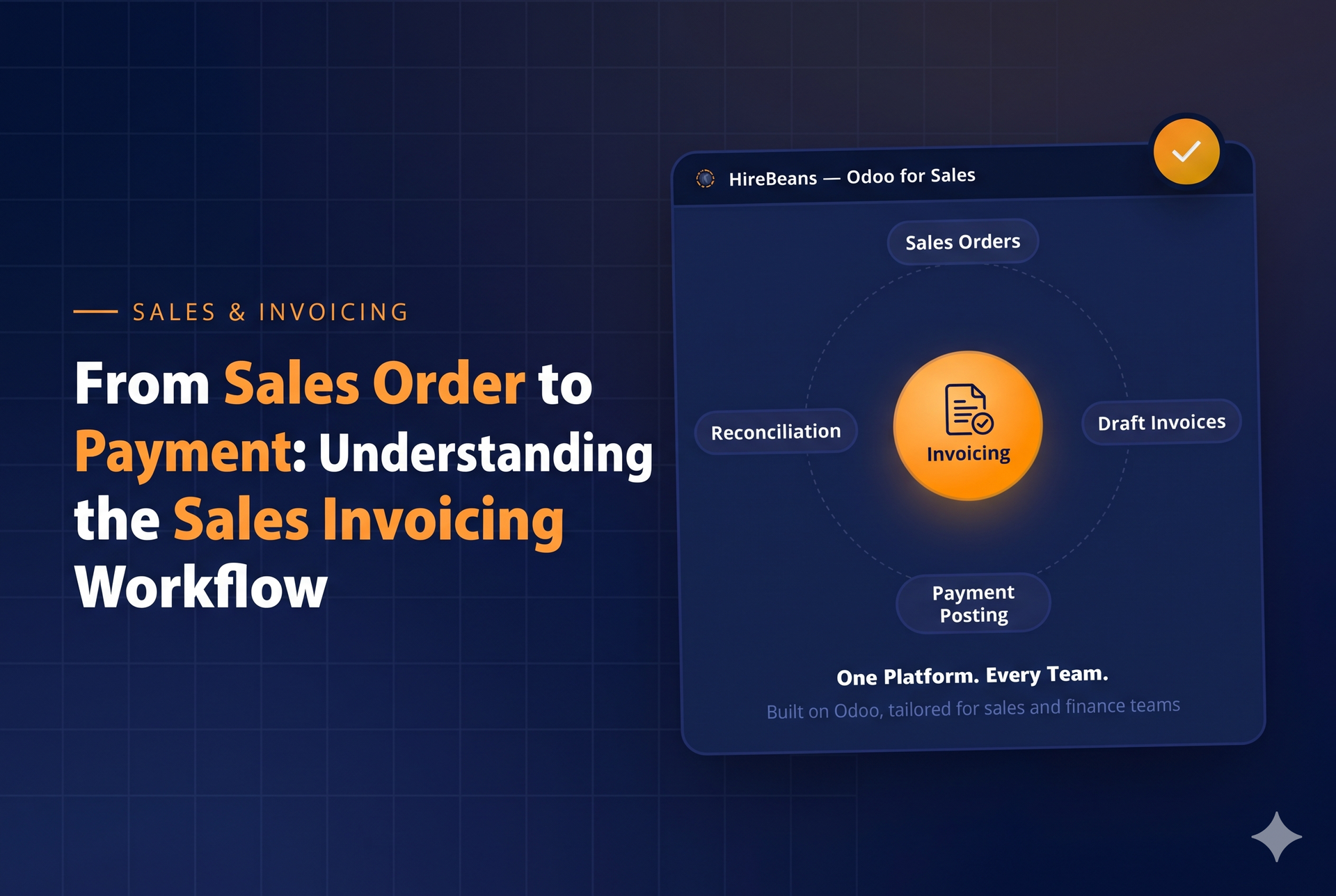
The Lifeblood of the Business
A business does not truly recognize revenue until the invoice is paid. Therefore, the seamless connection between the sales process, invoicing, and payment collection is the ultimate lifeblood of any company. Organizations require a robust, consistent method for managing customer billing to ensure that every fulfilled order is accurately invoiced and paid on time, sustaining the company's financial health.
The Danger of Disjointed Billing
Connecting the sales process with invoicing is critical to maintaining a healthy cash flow. Unfortunately, many businesses struggle with a disconnected billing process where sales orders sit fulfilled but uninvoiced. Delayed invoice generation, incorrect billing quantities based on orders rather than actual deliveries, and missed payment follow-ups can severely choke financial liquidity. When sales and accounting teams do not share the same data, revenue inevitably slips through the cracks.
Key Features: Streamlining Accounts Receivable
A Practical Business Example
A commercial cleaning supply company operates on a strict 'Invoice on Delivery' policy. A client orders 100 gallons of detergent, but the warehouse can only deliver 80 gallons today. Because of strong sales and accounting integration, the system prevents the accounting team from invoicing the full 100. It generates an accurate invoice for the 80 delivered gallons. Once the client sends a wire transfer, the accounting clerk registers the payment against the invoice, instantly updating the sales rep's dashboard to show the account is in good standing.
Conclusion
Effective customer invoice management bridges the critical gap between making a sale and actually making money. By integrating these systems, businesses gain total visibility into their receivables and establish a highly organized, predictable cash flow.
Get paid faster with integrated sales invoicing. Book a Free Demo at hirebeans.cloud
Book a Free Demo