
Introduction
Walk through a busy warehouse that still runs on paper and you will usually see the same pattern: printed pick lists, handwritten notes, and someone at a desk typing the results into the system at the end of the day. Every step adds delay, and every manual entry is a chance for a typing mistake.
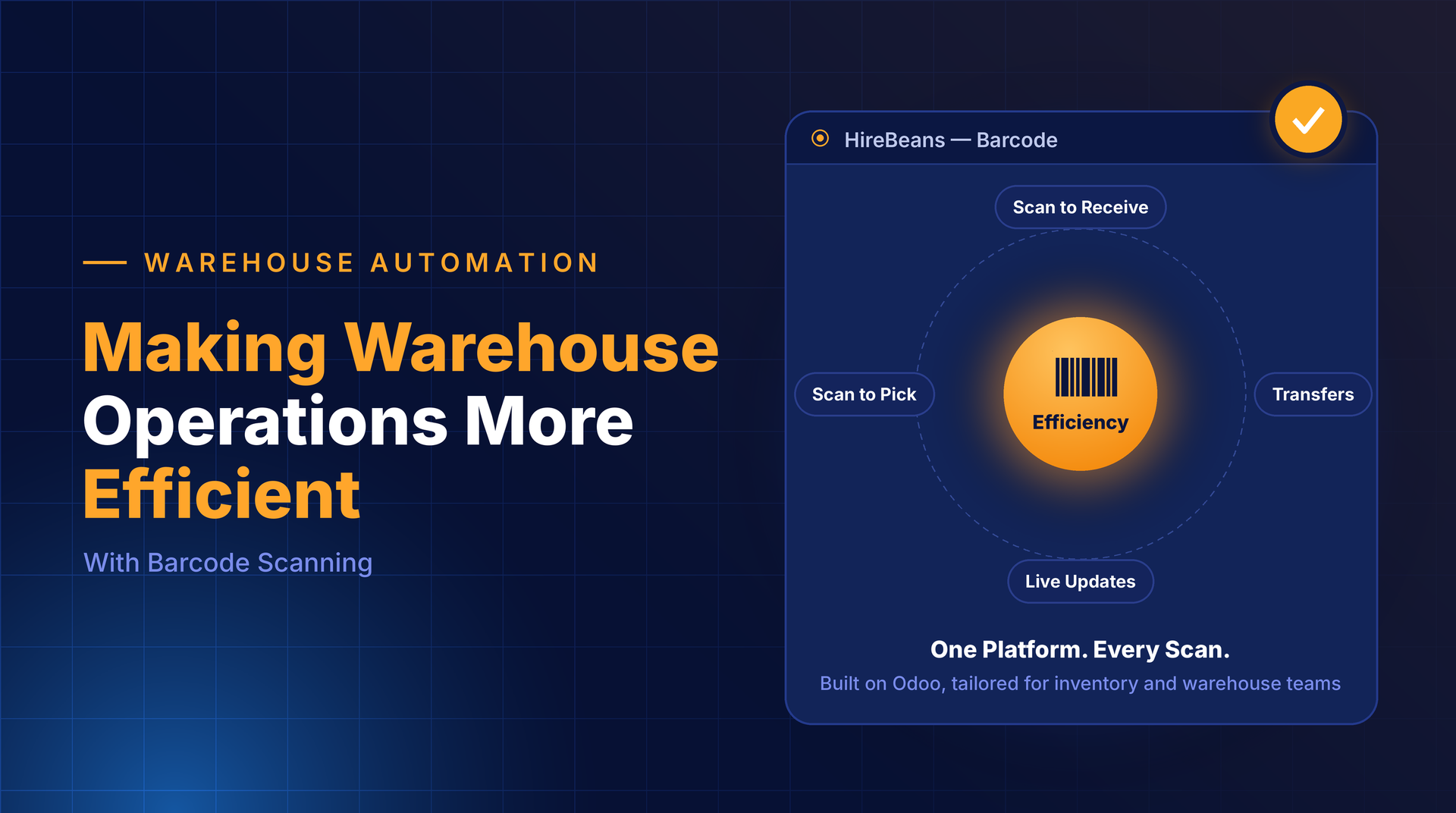
Barcode scanning replaces much of that manual work. In this article, we look at how barcode scanning works with Odoo Inventory, what it changes in day-to-day warehouse tasks, and what to prepare before you start.
The Challenge
Paper-based warehouse work has two main weaknesses. The first is speed. Staff must read a code or description, find the product, count it, and then record it somewhere. The second is accuracy. Similar-looking products get confused, quantities are miswritten, and entries are delayed, so the system shows one thing while the shelf shows another.
These errors do not stay inside the warehouse. A wrong stock figure leads to overselling, emergency purchases, or late deliveries. Customers receive the wrong item, returns follow, and the team spends time on corrections rather than on new orders. As order volumes grow, the cost of these small mistakes grows with them.
Key Features
A Real-World Example
- ✓Imagine a distributor of electrical spare parts with several thousand product codes, many of which look alike. Pickers used to work from printed lists and then hand the lists to an office colleague, who updated the system later. Wrong-item shipments were a recurring complaint, especially for products that differ only by size or rating.
- ✓After introducing barcode scanning, each product carries a barcode that matches the product record. A picker opens the transfer on a handheld device and is guided from one location to the next. At each stop, they scan the product. If the wrong product is scanned, the device flags the mismatch before the item goes into the box. When the pick is complete, the transfer is validated directly from the device, and stock updates immediately.
- ✓For receiving, the same team scans each product as it arrives and compares it to the purchase order. Discrepancies are visible at the dock, while the supplier's driver is still there, rather than days later.
- ✓Some preparation is needed. Products need barcodes that are unique and consistently printed, locations should be labelled, and staff need short training. The Barcode app is part of Odoo Enterprise, so check that it is included in your plan.
Conclusion
Barcode scanning is not about technology for its own sake. It reduces the time spent between a physical movement and its record in the system, and it catches mistakes at the moment they happen.
Start with the area where errors cost you the most, often receiving or picking, and extend scanning to other operations once the team is comfortable. Clean product data and clear location labels are the foundation.
Reduce picking errors and keep your stock records current with barcode-driven warehouse operations. Book a Free Demo at hirebeans.cloud
Book a Free Demo