
Introduction
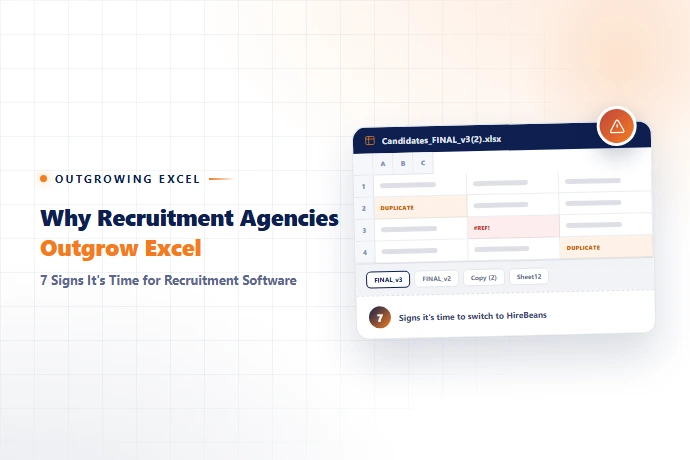
- ✓Excel can be a great starting point for a recruitment agency. It is familiar, flexible, and inexpensive. A small team may be able to track candidates, vacancies, clients, and follow-ups with a simple spreadsheet.
- ✓The problem isn't using Excel. The problem is knowing when your recruitment agency has outgrown it.
- ✓As your candidates, clients, vacancies, and recruiters increase, managing recruitment data manually can become harder. Research has also documented the risk of errors in operational spreadsheets, particularly as spreadsheets become more complex.
- ✓Here are seven signs it may be time to consider purpose-built recruitment software.
1. Your Candidate Spreadsheet Keeps Growing
A spreadsheet with a manageable number of candidates can work well. But as the database grows, finding candidates by skills, experience, location, availability, or status can become increasingly dependent on filters and manual maintenance.
Your candidate database should help recruiters find candidates faster, not make them search through more rows — see how to build a recruitment agency candidate database that actually scales.
2. Every Recruiter Has a Different List
One recruiter has an Excel file. Another uses Google Sheets. Someone else keeps candidate notes elsewhere.
Now your agency doesn't have one reliable candidate database — it has multiple versions of the information. That makes collaboration harder and increases the risk of outdated or duplicate records.
3. You Can't Quickly See Where a Candidate Was Submitted
- ✓Can your team immediately answer:
- ✓Which client received this candidate?
- ✓Which vacancy was it for?
- ✓When was the candidate submitted?
- ✓What was the outcome?
- ✓If answering these questions means searching through emails or spreadsheets, your recruitment workflow may be becoming difficult to scale. See how recruitment agencies can track candidate submissions more effectively.
4. Client Requirements Are Tracked Separately
- ✓Your client information is in one spreadsheet. Vacancies are somewhere else. Candidate submissions are in another tracker. Feedback arrives through email.
- ✓Now the connection between:
- ✓Client → Requirement → Candidate → Submission → Feedback
- ✓is broken. A connected recruitment system can bring these activities into one workflow — see how agencies keep client requirements organized and connected.
5. Follow-Ups Depend on Memory
"Call the client tomorrow." "Check with the candidate next week." "Follow up after the interview."
When important actions live in personal notes or spreadsheets, follow-ups can easily be missed. Recruitment software can provide structured tasks, reminders, and workflow tracking to make follow-up management more consistent.
6. Recruiters Spend More Time Updating Data Than Recruiting
- ✓If recruiters spend significant time:
- ✓Updating spreadsheets
- ✓Copying candidate information
- ✓Searching old records
- ✓Maintaining multiple trackers
- ✓Preparing manual reports
- ✓then your tools may be taking time away from candidates, clients, and placements.
7. Management Can't Easily See What's Happening
- ✓Can your manager quickly see:
- ✓Active requirements?
- ✓Candidate pipelines?
- ✓Recent submissions?
- ✓Interviews?
- ✓Placements?
- ✓Recruiter activity?
- ✓If someone has to combine several spreadsheets to answer these questions, it's a sign that your reporting process needs improvement. See how recruitment agency dashboards and analytics replace that manual combining, tied to the same recruitment agency KPIs managers already care about.
When Should You Move Beyond Excel?
- ✓There isn't a magic number of recruiters or candidates that tells you when to switch. Ask a simpler question:
- ✓Is Excel helping your recruiters work, or are your recruiters working to maintain Excel?
- ✓If candidate data, client requirements, submissions, follow-ups, and reporting are becoming difficult to manage, it may be time for purpose-built recruitment software.
How HireBeans Can Help
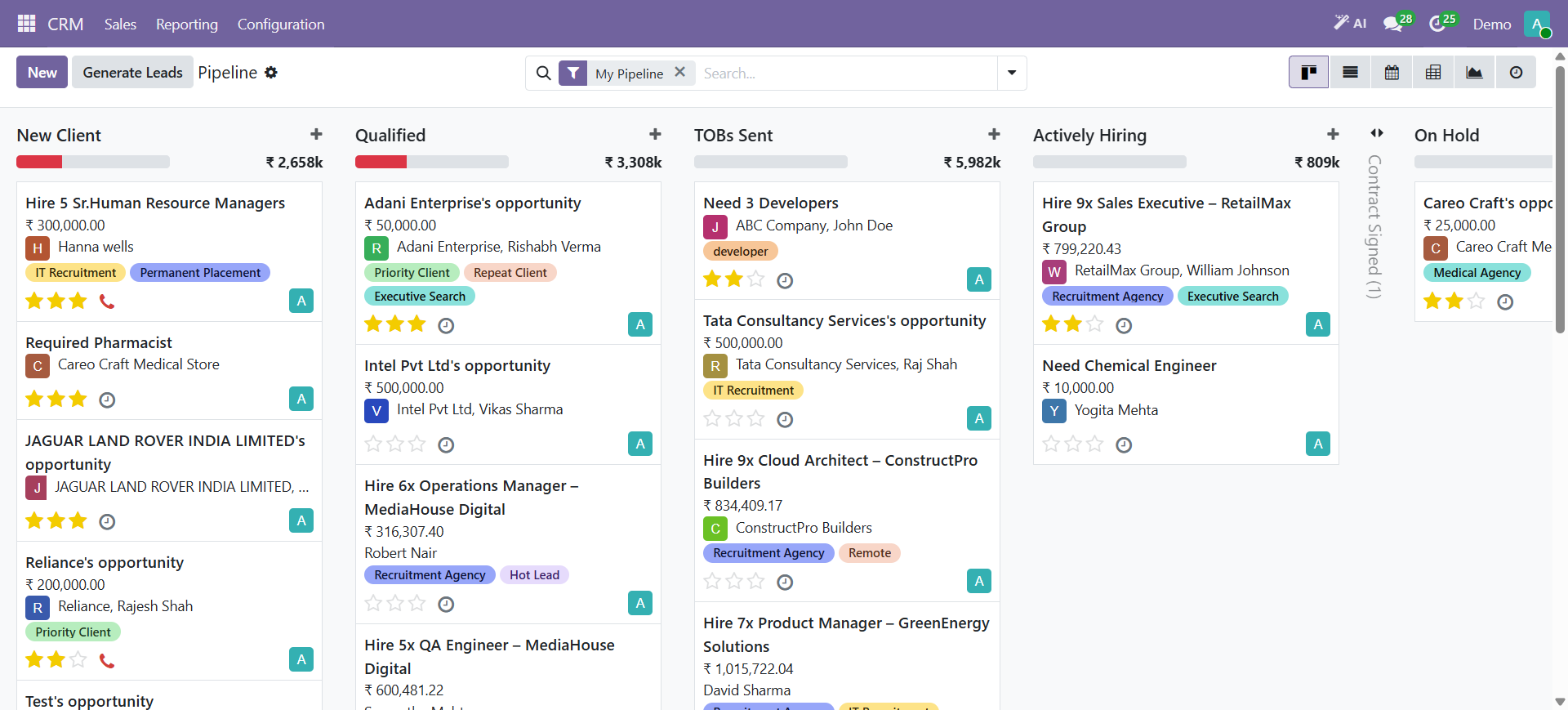
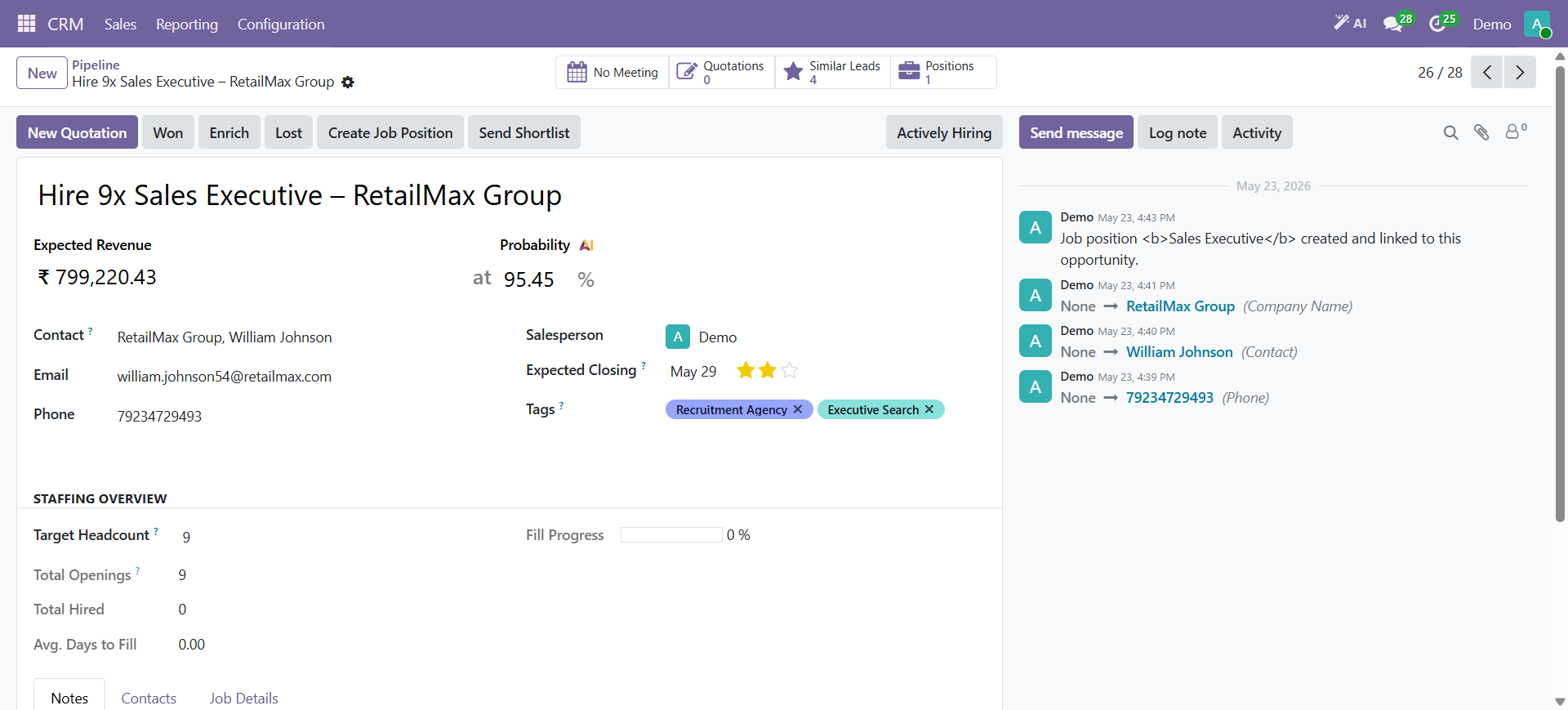
- ✓HireBeans brings key recruitment activities into a connected environment, helping agencies manage areas such as clients, requirements, candidates, submissions, follow-ups, CRM, calendar, invoicing, and dashboards.
- ✓Instead of maintaining separate trackers, the workflow can connect:
- ✓Client → Requirement → Candidate → Submission → Interview → Placement
- ✓— see the full recruitment agency workflow, from client requirement to invoice.
- ✓Bring client, candidate, and recruitment activities together in one connected workflow.
Excel Isn't the Enemy
- ✓Excel is often where recruitment agencies begin. The real question isn't:
- ✓"Should recruitment agencies stop using Excel?"
- ✓It's:
- ✓"Has your agency outgrown the way you're using it?"
- ✓When spreadsheets start slowing down candidate searches, client management, follow-ups, and reporting, it may be time for a recruitment system built around your workflow.